Build rotas in minutes, not hours
A visual shift planner with drag-and-drop scheduling, open shifts, conflict detection, and instant notifications. Your team sees their rota on their phone the moment you publish it. No more WhatsApp groups. No more "I didn't know I was working today."
Drag, drop, done. Scheduling that feels effortless.
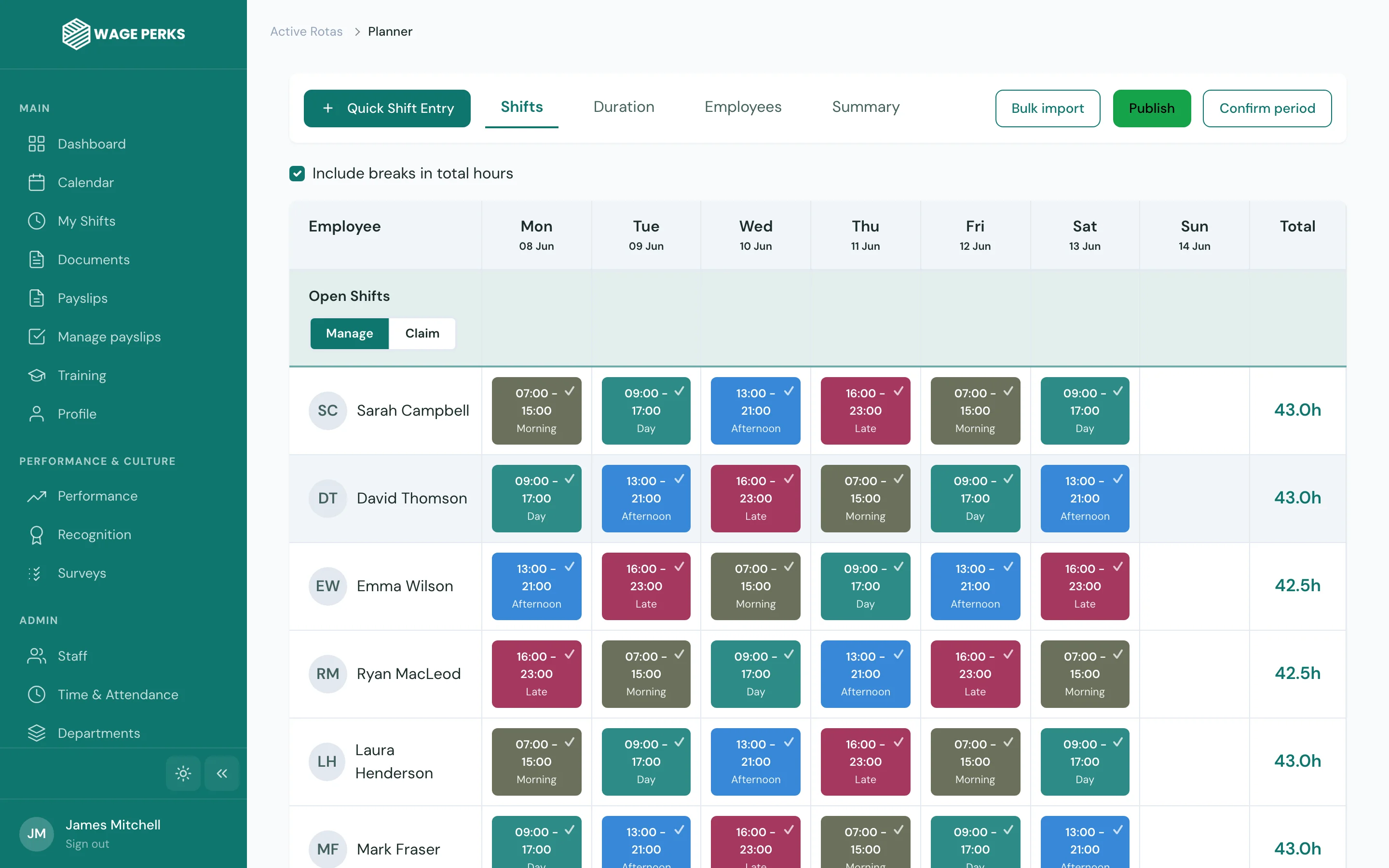
The rota planner gives you a clear, visual grid of your week. Drag employees into shifts, adjust times, copy patterns from previous weeks. It's the kind of tool that makes you wonder how you ever managed with a paper rota or a spreadsheet.
Need to repeat last week's pattern? One click. Need to clear a day and start fresh? One click. The planner adapts to how you work, not the other way around.
- Drag-and-drop shift assignment on a visual weekly grid
- Copy previous rotas — replicate a full week in one click
- Create shift templates for recurring patterns
- Colour-coded shifts by role, department, or location
- Weekly, fortnightly, and monthly rota views
Let your team claim shifts and respond instantly
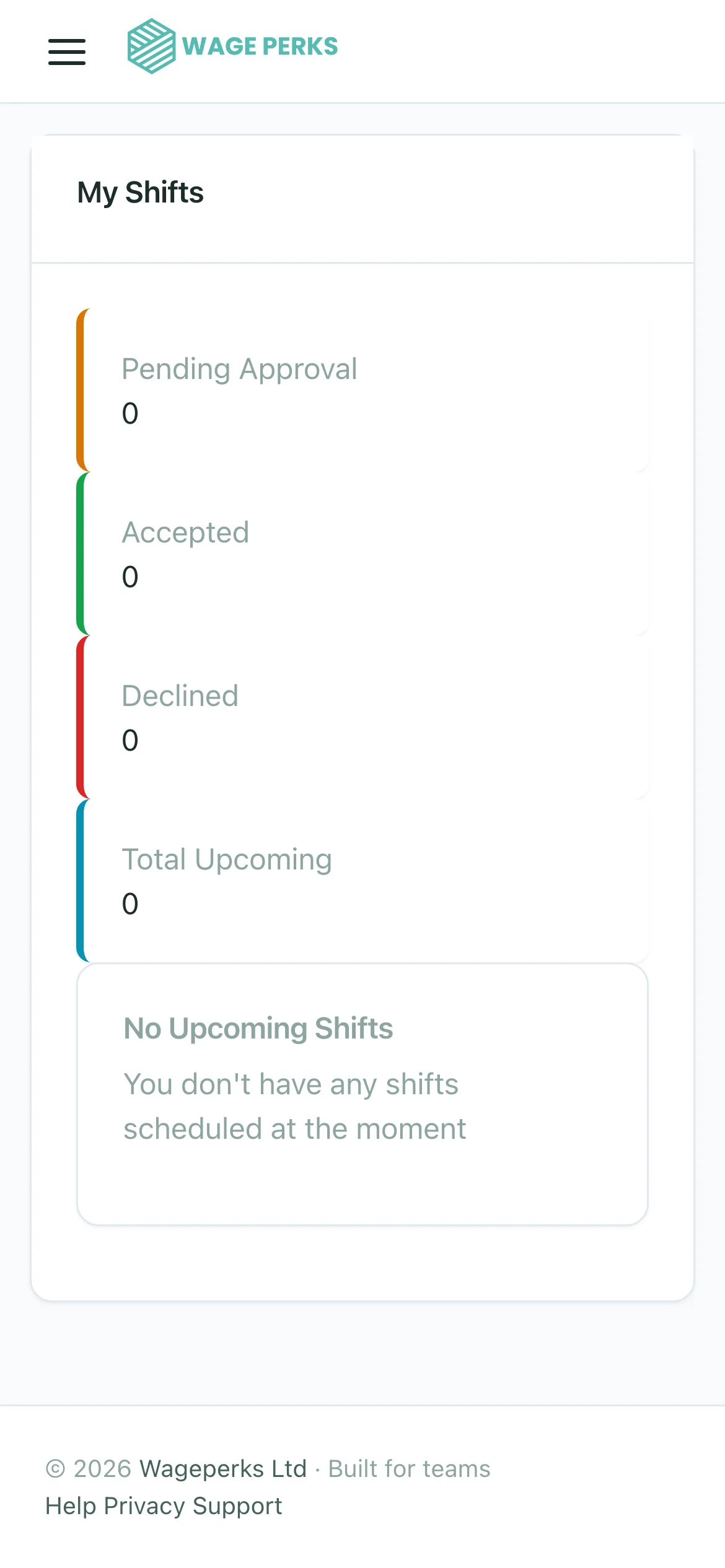
Got a gap to fill? Post an open shift and let available staff claim it directly from their phone. No group texts, no phone calls, no waiting for replies. The first person to accept gets the shift, and everyone else is notified automatically.
Every shift change, new assignment, and schedule update triggers a push notification. Your team always knows where they need to be and when — without you having to chase anyone.
- Open shifts — post gaps and let staff claim available slots
- Push notifications for new shifts, changes, and cancellations
- Accept/decline workflow so you know who's confirmed
- Conflict detection — the system won't let you double-book someone
- Automatic notifications when shifts are swapped or reassigned
Holiday requests, absence tracking, and entitlement — sorted
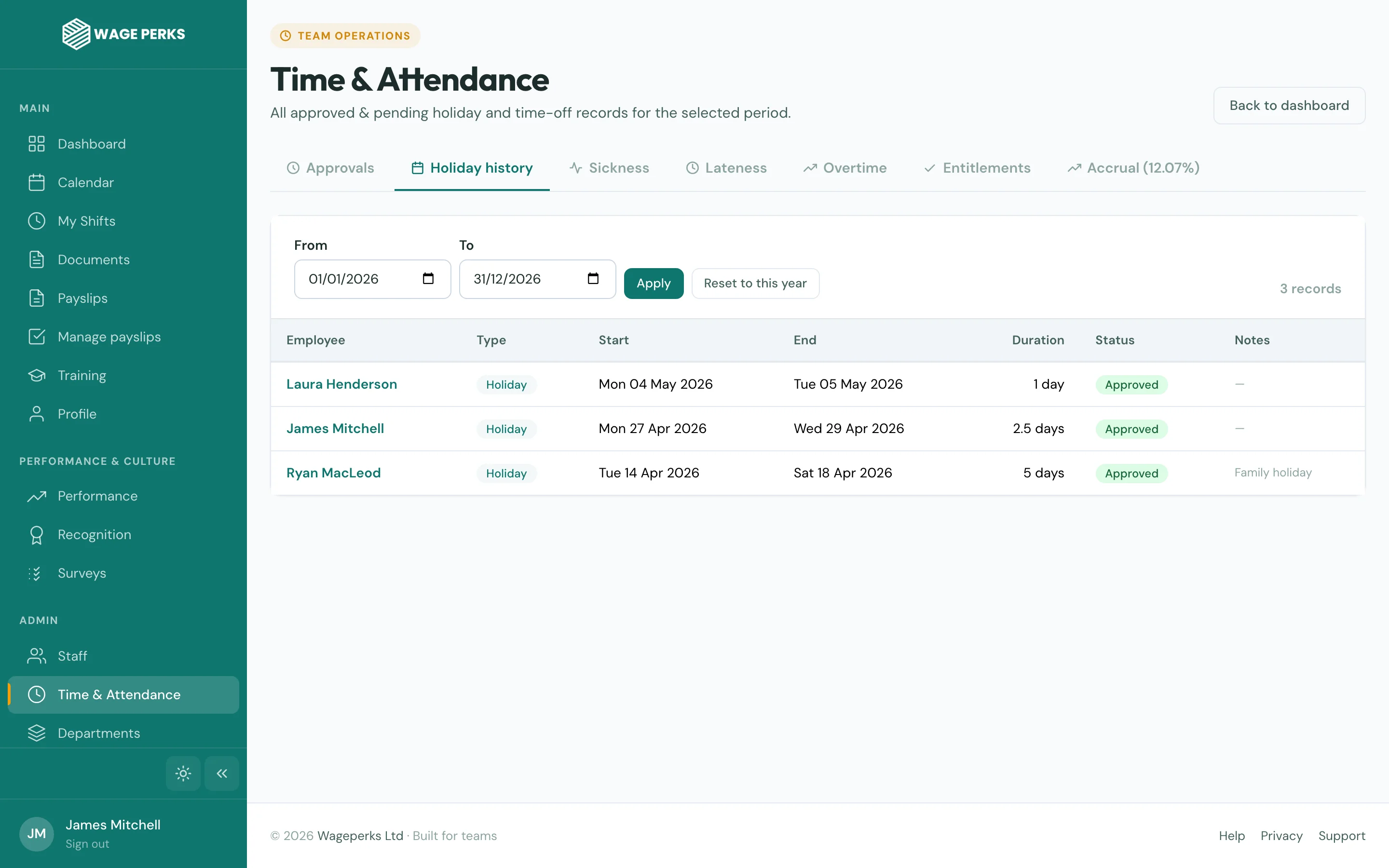
Employees request time off from the app. Managers approve or decline with one tap. The rota updates automatically. No separate spreadsheet tracking who's got how many days left.
Holiday entitlements are calculated automatically — including accruals for part-time staff and pro-rata adjustments for mid-year starters. The system handles public holidays for England, Scotland, and Northern Ireland, so you don't have to remember which dates apply where.
- Holiday request and approval workflow via the app
- Automatic entitlement calculation with accrual tracking
- Public holiday handling — England, Scotland, Northern Ireland
- Part-day and half-day absence support
- Absence reasons: sickness, holiday, compassionate, TOIL, unpaid
- Overlapping leave warnings to prevent staffing gaps
- Bradford Factor calculation for absence management
Scheduling that saves you hours every week
Less time spent building rotas
Double bookings with conflict detection
To approve a leave request
Less admin, fewer phone calls, better coverage
Stop spending your Sunday evenings building next week's rota in a spreadsheet. WagePerks gives managers the tools to schedule smarter, fill gaps faster, and keep the team informed without chasing anyone.
No More WhatsApp Chaos
Shifts, changes, and open slots go through the app. Everyone sees the same thing. No more "I didn't get the message."
Smart Conflict Alerts
The system flags double bookings, overlapping leave, and staffing gaps before you publish — not after.
Instant Rota Publishing
Hit publish and every team member gets a push notification. Their shifts appear in the app immediately. Done.
Common questions about Shift & Rota Management
Can I manage rotas for multiple locations?
Yes. You can set up separate rotas for different locations, departments, or teams. Each manager only sees and manages the rotas for their assigned team, while admins have visibility across everything.
How do open shifts work?
When you have a gap to fill, create an open shift and specify the date, time, and location. All eligible employees receive a notification and can claim the shift directly from their phone. First to accept gets it, and the rota updates instantly.
Does it integrate with the clock-in system?
Absolutely. Shifts created in the rota planner link directly to the GPS clock-in system. You can see who's clocked in on time, who's late, and who's missing — all from the same dashboard.
How are holiday entitlements calculated?
WagePerks calculates entitlements based on the employee's contract type and start date — including pro-rata calculations for part-time staff and mid-year starters. Accruals are tracked automatically and update in real time as leave is taken or approved.
Can employees swap shifts with each other?
Shift swaps can be managed through the platform. When a swap is proposed, the relevant manager is notified for approval, and the rota updates automatically once approved. Full visibility, no confusion.