People management without the paperwork
Comprehensive employee profiles, team structures, permissions, and termination workflows. Everything you need to manage your people — without drowning in spreadsheets or chasing emails.
Everything about every employee, in one place
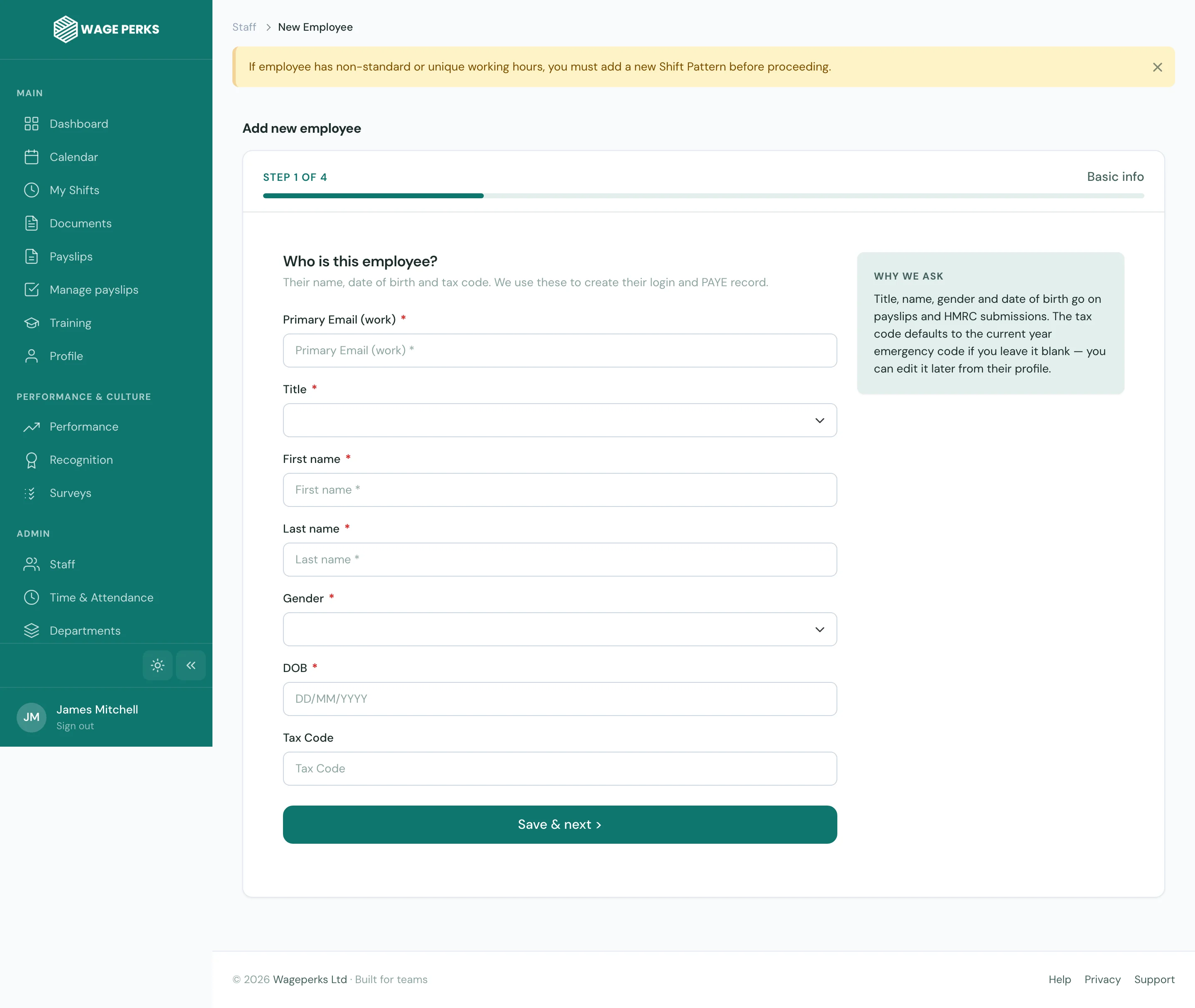
No more hunting through folders, emails, and spreadsheets to find someone's start date or emergency contact. Every employee has a detailed digital profile with over 90 fields — personal details, employment history, job roles, salary, and more.
Profiles are built to handle the complexity of real workplaces. Multiple job roles, salary changes over time, department transfers — it's all tracked and version-controlled.
- 90+ fields per employee — personal, employment, payroll, emergency
- Job role history with start and end dates
- Salary tracking with full change history
- Department and location assignments
- Emergency contact management with multiple contacts per employee
- Custom notes and tags for internal tracking
Clear reporting lines, sensible permissions
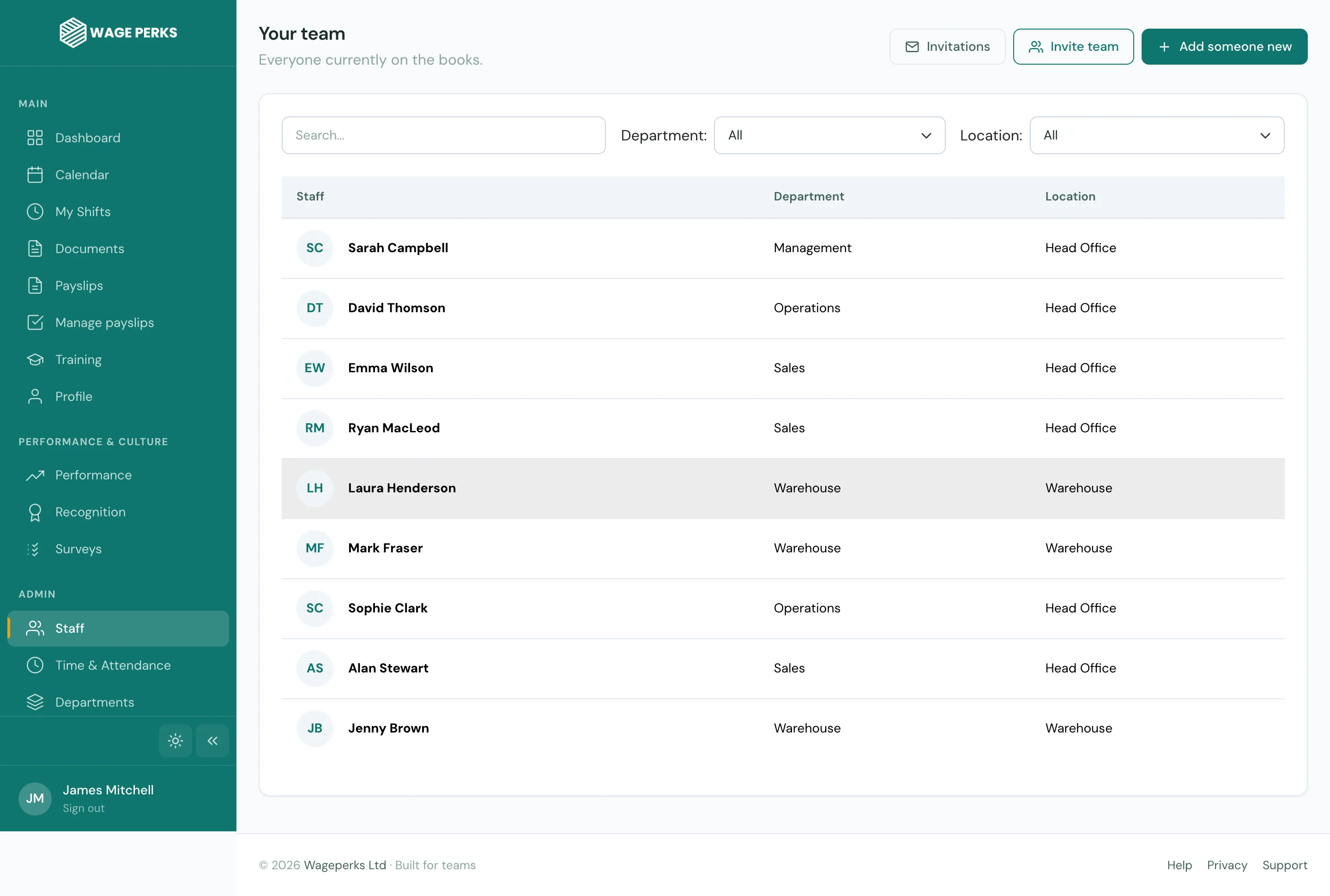
Assign managers to teams, set reporting structures, and control exactly who can see and do what. WagePerks uses a three-tier permissions model — Staff, Manager, and Admin — so the right people have the right access.
Managers see their own team's profiles, rotas, and clock-in data. Admins see everything. Staff see their own information and benefits. It's clean, logical, and you don't need an IT degree to set it up.
- Three-tier permissions: Staff, Manager, Admin
- Manager assignments with team visibility controls
- Department and location-based team groupings
- Bulk employee imports via CSV upload
- Employee self-service for profile updates and document access
From onboarding to offboarding, handled
Bring new starters on board quickly with structured onboarding that includes document distribution, profile setup, and immediate access to benefits. When someone leaves, the termination workflow captures the reason, manages final documentation, and keeps a clean audit trail.
Payslips and P60s are distributed digitally — employees access them securely from their phone. No printing, no posting, no lost documents.
- Structured onboarding with automatic document distribution
- Employee termination workflows with reason tracking
- Digital payslip and P60 access — secure and instant
- Contract management with version-controlled documents
- Salary and role change history for full audit trails
- Leaver reports and turnover analytics
HR that scales with you
Fields per employee profile
Permission tiers for clean access control
Spreadsheets needed
The numbers that matter, at a glance
Pre-built reports give you visibility into the metrics that drive good people decisions. No setup, no configuration — they're ready from day one.
Employee Summary
Headcount by department, location, tenure, and role — the overview you need for workforce planning.
Turnover & Retention
Track leavers, understand why they left, and identify patterns before they become problems.
Right to Work
Visa expiry dates, work permit status, and compliance flags — so nothing slips through the cracks.
Common questions about HR Management
Can I import my existing employee data?
Yes. You can bulk-import employees via CSV upload, which maps your existing data to WagePerks employee profiles. We also offer guided onboarding to help you get everything set up quickly and accurately.
What's the difference between Manager and Admin permissions?
Managers can view and manage their assigned team — profiles, rotas, clock-in data, and leave requests. Admins have full access to all employees across the organisation, plus system settings, reports, and compliance tools.
Can employees update their own details?
Yes. Employees can update certain fields on their own profile — like contact information and emergency contacts — through the app. Sensitive fields like salary and job role are restricted to Admin users only.
Does WagePerks replace our payroll system?
WagePerks is not a payroll processor. However, it generates timesheet reports, tracks salary changes, and distributes payslips and P60s digitally — all of which feed neatly into whatever payroll system you already use.
Is employee data stored securely?
Absolutely. All data is encrypted at rest and in transit, hosted on secure cloud infrastructure, and subject to strict access controls. Only authorised users with the correct permission level can access employee information.