Everything your team needs, in their pocket
Benefits, GP access, rotas, clock-in, documents, payslips — all from one app on their phone. Browser-first today. Native iOS and Android apps launching Q3 2026 to the App Store and Google Play.
No more juggling five different apps
Most employee tools force your team to download separate apps for benefits, scheduling, time tracking, and HR. WagePerks puts it all in one place. One login, one interface, one app that actually gets used.
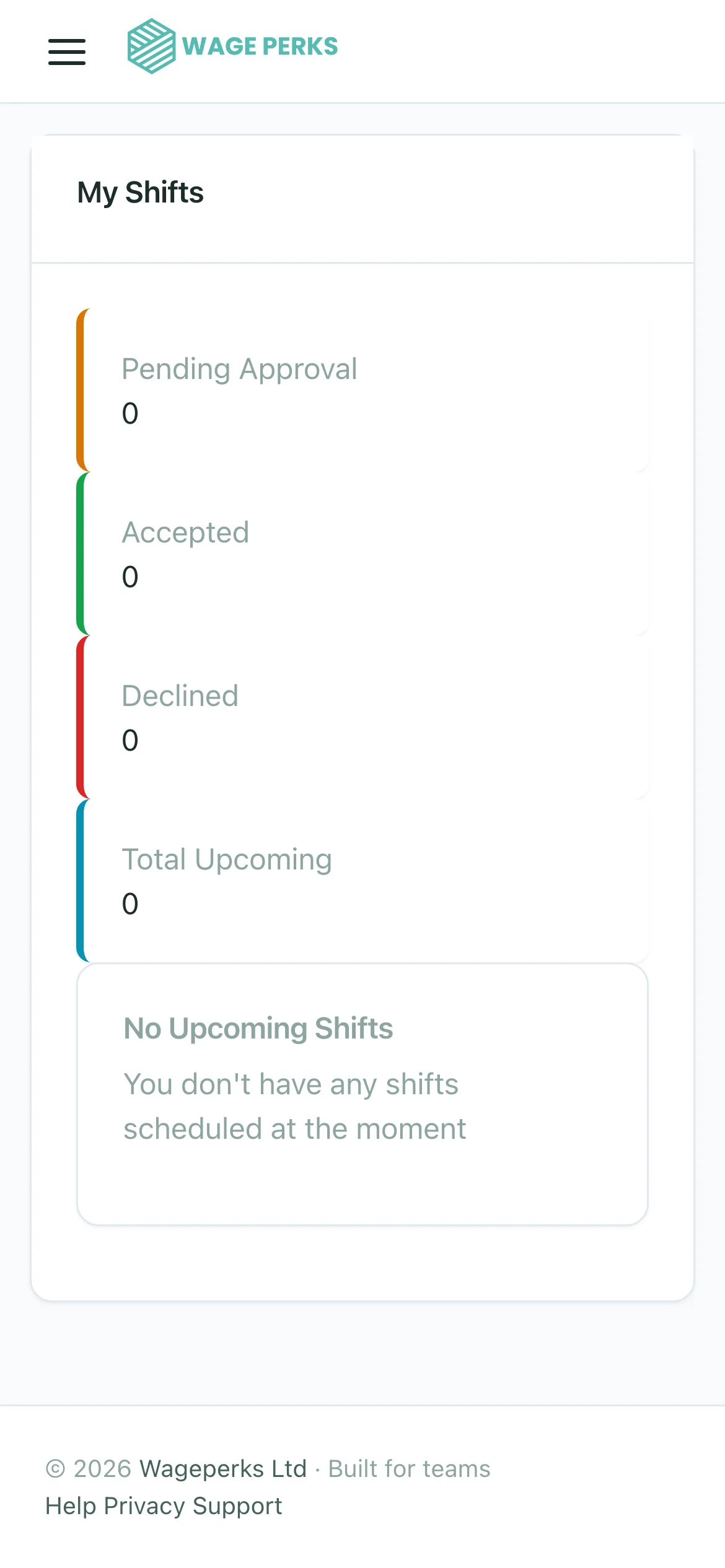
Your employees open the app and immediately see their benefits marketplace, upcoming shifts, recent documents, and a one-tap clock-in button. No hunting through menus. No confusion about which app does what.
- Benefits marketplace — browse, buy, and use discount voucher codes
- Shift rota — view upcoming shifts, accept open shifts, request leave
- GPS clock-in — one-tap time tracking with live timer
- Documents — access contracts, payslips, P60s, and policies
- GP service — book consultations by phone, video, or chat
- EAP access — confidential helpline and counselling booking
- Profile management — update personal and emergency details

So simple your team will use weekly it
The best employee app is the one people open. That's why we've obsessed over making WagePerks feel effortless. Clean design, instant loading, logical navigation. No training manual required.
Push notifications keep employees in the loop without them needing to check the app constantly. New shift? Notified. New document? Notified. Payslip available? Notified. They open the app when it matters, not out of obligation.
- Clean, modern interface designed for non-technical users
- Push notifications for shifts, documents, and important updates
- Fast — loads in under 2 seconds on typical mobile connections
- Works on both iOS and Android with native performance
- Dark mode support for comfortable use at any time of day
Manage your team from your phone, not your desk
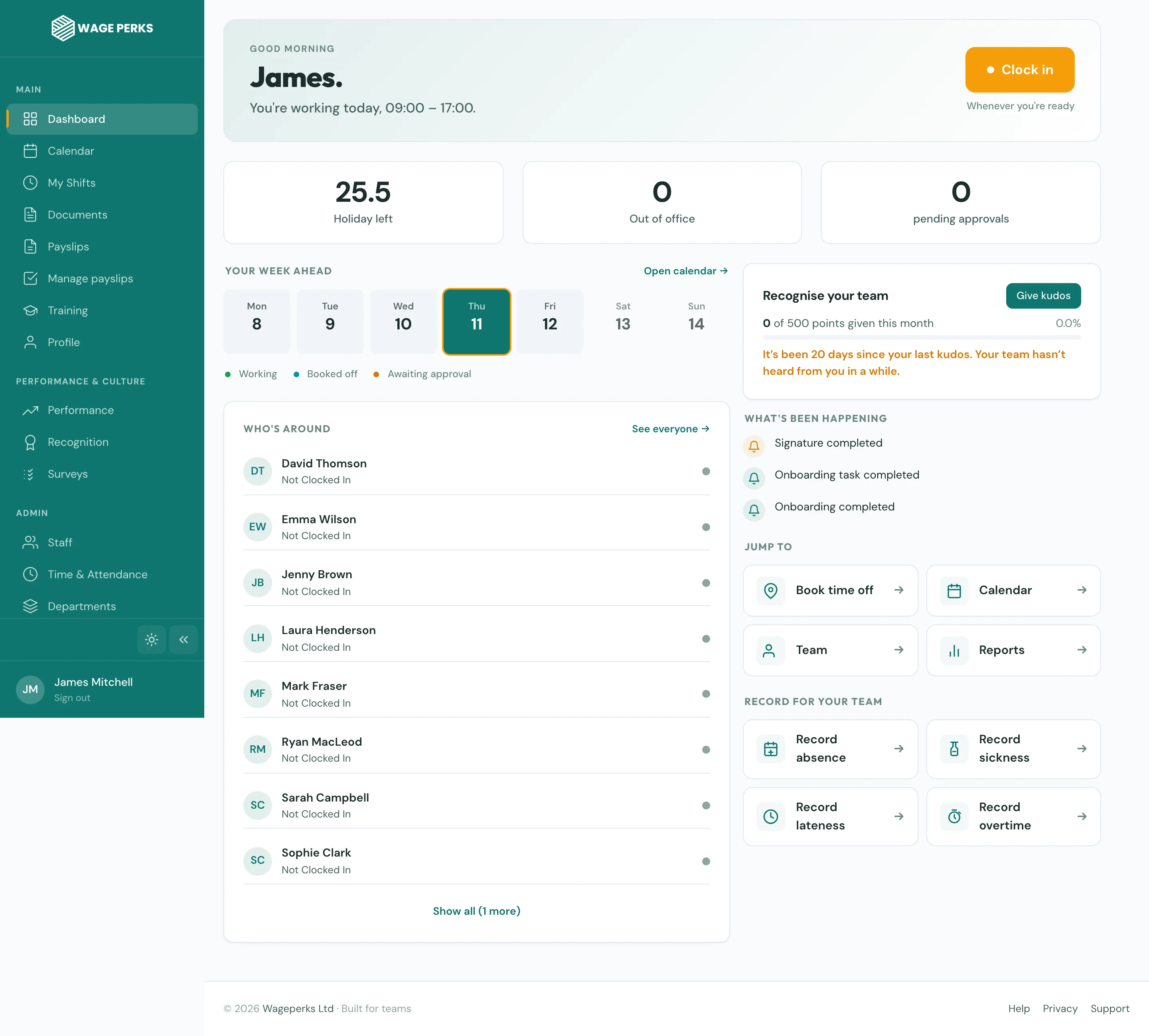
Managers don't always sit at a computer. The mobile app gives them full management capability on the go — approve leave requests, check who's clocked in, review timesheets, and publish rotas, all from their phone.
The manager view surfaces the information that matters most: who's working right now, who's requested time off, and which shifts still need covering. No scrolling through dashboards to find what you need.
- Approve and decline leave requests with one tap
- See who's clocked in right now with live location data
- Publish and edit rotas directly from the app
- Review and flag timesheet exceptions on the go
- Send document notifications to individuals or teams
Available where your team already is
iOS app — Q3 2026
Android app — Q3 2026
Full admin portal in your browser
Enterprise-grade security in a consumer-grade experience
The app handles sensitive data — payslips, health services, personal information — so security isn't an afterthought. It's built into every layer.
Encrypted Data
All data is encrypted at rest and in transit. Employee information never travels unprotected.
Secure Authentication
Individual login credentials with session management. Each employee accesses only their own data.
Permission Controls
Three-tier access model means employees, managers, and admins only see what they should.
Common questions about the Mobile App
When will the app be available on the App Store and Google Play?
The native iOS and Android apps launch on the App Store and Google Play in Q3 2026. The platform is fully accessible in any mobile browser today, with full feature parity to the upcoming native apps.
Do employees need to download the app to use WagePerks?
The mobile app provides the best experience, especially for features like GPS clock-in and push notifications. However, employees can also access their benefits, shifts, and documents through the web portal on any device with a browser.
Does the app use a lot of mobile data or battery?
The app is designed to be lightweight and battery-efficient. GPS is only activated at clock-in and clock-out moments — not continuously — and data usage is minimal. Push notifications use standard system channels that don't drain battery.
Can employees use the app on their personal phone?
Yes, and most do. The app is a standard download from the app store, just like any other app. It doesn't require any special device management software or employer control over the device.